
Skip to content
Apoliums
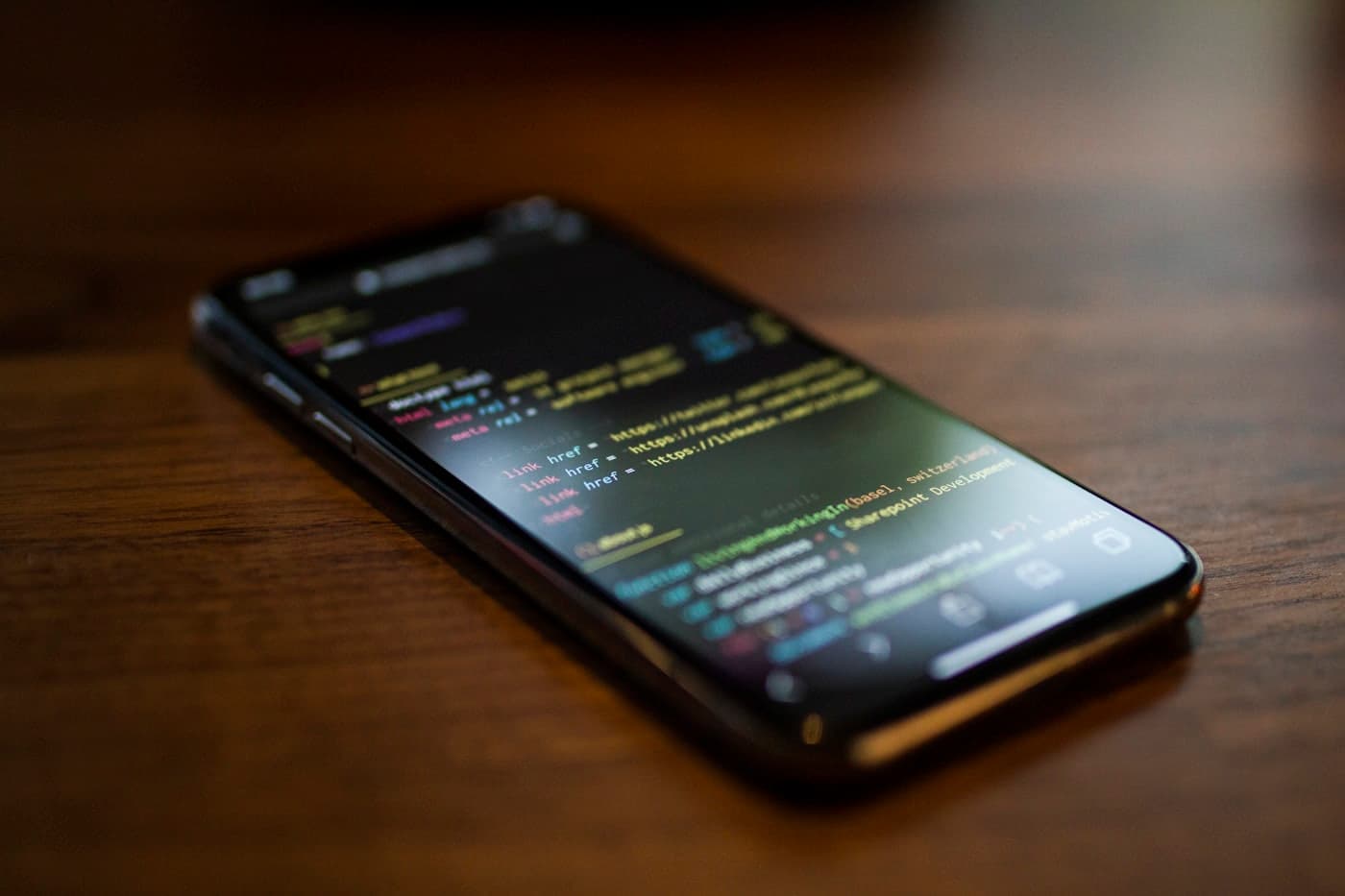
Mobile application being tested on a phone held over a developer's desk

Services / Mobile

Mobile app development company

Apoliums builds React Native apps that ship to iOS and Android from one codebase — and behave correctly when the phone loses signal in a basement.

Most business apps do not need to be written twice. They need offline writes that survive a dead connection, notifications that open the right screen on a cold start, credentials in the Keychain rather than plain storage, and a release pipeline that makes submission routine. That is the work we do.

Framework
React Native, New Architecture
First release
10 to 18 weeks
Stores
Submitted under your accounts

What we build

What decides whether a mobile app survives real users?

Screens are the easy part. These are the areas where mobile apps actually fail, so they are scoped and tested explicitly.

Cross-platform apps in React Native

One TypeScript codebase compiled to both stores, on the New Architecture. Platform differences are handled where they matter instead of averaged into an interface that looks wrong on both.

  • iOS conventions from the Human Interface Guidelines, Android from Material 3
  • Shared business logic, platform-specific navigation and gestures
  • 60fps list and gesture performance verified on low-end Android hardware

Offline-first behaviour

The network is treated as unavailable by default. Writes are queued locally, replayed when the connection returns, and conflicts resolve by a rule agreed during scoping rather than by whichever request lands last.

  • Local database with queued, retryable writes
  • Explicit conflict resolution and sync status in the interface
  • Cached reads so the app opens to content on a dead connection

Push notifications and deep links

A notification that opens the exact screen it refers to, on a cold start, on both platforms, including the permission flow that asks at a moment the user understands.

  • Firebase Cloud Messaging and APNs delivery
  • Universal Links and Android App Links to any screen
  • Permission prompts placed after the value is visible

Native modules and device APIs

Camera, biometrics, Bluetooth, background location, secure storage. We write the native module when the ecosystem has no maintained package, and say so before the estimate is signed.

  • Credentials in Keychain and Keystore, never plain storage
  • Camera, scanning, biometrics and background tasks
  • Swift and Kotlin bridges where a package does not exist

Store release and CI

Signing, provisioning, screenshots, review notes and staged rollout are part of the build. A release is a pipeline run, not an afternoon of manual uploads.

  • Fastlane pipelines for App Store Connect and Play Console
  • Over-the-air updates for JavaScript-only changes
  • Staged rollout with crash monitoring before full release

Rescues and rewrites

Apps built by a previous team get an audit first: crash rate, dependency health, native module debt and OS-version support. The report ranks what to fix by user impact.

  • Upgrade path off unmaintained React Native versions
  • Compatibility window for app versions already in the wild
  • Crash and ANR triage from real store data

How we work

How does a mobile project run, start to store release?

A simulator hides the two things that break mobile apps: a slow phone and a bad connection. The test set includes both.

  1. Step 01 / 05

    Scope the app and the stores

    Screens, offline behaviour, device permissions and the store accounts each get settled up front. Store review rules shape the build, so they are read before the first sprint rather than after a rejection.

    Written scope and store plan

  2. Step 02 / 05

    Design for two platforms

    Flows are drawn once and specified twice where the platforms differ — navigation, back behaviour, share sheets, date pickers. Tap targets and contrast are checked at design time.

    Platform-annotated designs

  3. Step 03 / 05

    Build the core flow on device

    The main path runs on real iOS and Android hardware in the first weeks, not only in a simulator. Low-end Android is part of the test set from the start.

    Installable test build

  4. Step 04 / 05

    Harden for the field

    Offline queues, token refresh, background behaviour, crash reporting and deep links each get a dedicated pass, because these are what break outside the office wifi.

    Crash reporting and offline tests

  5. Step 05 / 05

    Submit and release

    We prepare listings, screenshots and review notes, submit under your developer accounts, and monitor the staged rollout for crashes before it reaches everyone.

    Live on both stores

Technologies

What does Apoliums build mobile apps with?

Native code is written where a maintained package does not exist, and that decision is named in the estimate rather than discovered mid-build.

01

App

React Native on the New Architecture, TypeScript throughout.

06 components

  • 01React Native
  • 02Expo
  • 03TypeScript
  • 04React Navigation
  • 05Reanimated
  • 06FlashList

02

Data and state

One store per app. A second pattern for the same state is a bug waiting to happen.

06 components

  • 01Redux Toolkit
  • 02TanStack Query
  • 03WatermelonDB
  • 04MMKV
  • 05Keychain
  • 06Keystore

03

Native

Written only where a maintained package does not already exist.

04 components

  • 01Swift
  • 02Kotlin
  • 03Turbo Modules
  • 04Firebase Cloud Messaging

04

Release

Signing and submission automated from the first internal build.

06 components

  • 01Fastlane
  • 02EAS Build
  • 03App Store Connect
  • 04Google Play Console
  • 05Detox
  • 06Sentry

Questions

Mobile app development, answered.

How much does it cost to build a mobile app?

Apoliums quotes mobile app development per project after scoping. Cost is driven by the number of screens, whether the app works offline, how many device capabilities it uses — camera, Bluetooth, background location — and whether a backend has to be built alongside it or already exists.

The quote separates the app, the backend and the store release work, so you can see which part carries the cost and decide what waits for version two.

Should we build in React Native or go fully native?

Apoliums recommends React Native when the app is business software — records, forms, lists, messaging, payments — because one codebase covers both stores and the team stays small. Fully native is the right answer for apps built around continuous device access: heavy graphics, real-time audio or video processing, or deep platform integration.

The choice is made at scoping, in writing, with the reason stated. A React Native app can still drop into Swift or Kotlin for one screen that needs it, which is usually cheaper than writing the whole app twice.

How long does it take to get an app into the App Store?

A first release from Apoliums usually takes ten to eighteen weeks from signed scope to a live listing, plus store review, which Apple and Google run on their own timetable. Internal test builds are installable on your devices from the first weeks, so the app is in your hands long before submission.

The upper end of that range covers offline sync, payments, or native modules that have to be written rather than installed.

Does Apoliums publish the app under our developer accounts?

Yes. Apoliums submits to the App Store and Play Store under your own developer accounts, so you hold the listings, the signing keys and the analytics. We prepare the listing copy, screenshots, privacy declarations and review notes, and handle the back-and-forth if a reviewer asks a question.

If you do not have developer accounts yet, we walk your team through creating them. We never register store accounts in our name for a client's app.

Will the app work without an internet connection?

Yes, when offline behaviour is in scope. Apoliums builds mobile apps offline-first: reads come from a local database so the app opens to content, writes are queued and replayed when the connection returns, and the interface shows sync state rather than pretending everything saved.

Conflict rules are agreed during scoping — last write wins, server wins, or a manual review queue — because that decision belongs to the business, not to the network.

Who maintains the app after launch?

Apoliums maintains apps after launch on a monthly retainer covering iOS and Android version updates, dependency upgrades, crash triage from store data, and an agreed number of changes. Store policies and OS releases force work on a schedule you do not control, so maintenance is planned rather than reactive.

Teams who prefer to take it in-house get the repository, signing configuration, release pipeline and a handover session covering the release process end to end.

Engineers reviewing deployment and monitoring dashboards on a wall of screens

Next step

Tell us where the app is used.

A warehouse, a delivery route, a clinic, a customer's sofa — the place decides the offline model, the permissions and half the interface. Send us that, and what the app has to do, and we will scope it.

Studio
Indore, Madhya Pradesh
Reply time
One working day